
19 min read by CloudMash
Your GPU holds 24 GB. This model is 94 GB. It still runs.
MoE expert offload and the LRU expert cache that llama.cpp and SGLang both merged in October 2026
Not "runs" as in one token every few seconds while the fans scream. On an RTX 4090, with most of the model's weights sitting in ordinary DDR RAM, it writes at about 40 tokens per second. On an RTX 5090 it is closer to 68.
The model is Qwen3.8-Flash-Next: 125 billion parameters, 512 experts per layer, a 93.7 GiB file at 4-bit. The GPU is the same card people buy for games.
Here is the surprising part. The whole trick is about 550 lines of C++ and one idea you already know from your CPU: a cache.
By the end you will know which bytes of a mixture-of-experts model have to live in VRAM, which can live in RAM, why an LRU cache of experts works at all, and the one flag to type tonight. Start with where the 94 GB actually go.
.png)
// receipts
August: 125B on one 4090, with the experts computed on the CPU.
@analogalok on X, Aug 26, 2026October 7: the expert cache lands in llama.cpp.
llama.cpp PR #29887 on GitHubThe result: 2.2x on a 5090, 1.6x on a 4090.
@qvac on X, Oct 15, 2026The model that should not fit: Qwen3.8-Flash-Next in numbers
Qwen3.8-Flash-Next came out on August 26. On paper it is a data-center model. In practice people run it on gaming PCs, and the reason is the shape of the model, not the size of the card.
- total
- 125B
- parameters stored
- active
- 6B
- parameters used per token
- experts / layer
- 512
- 48 layers deep
- used per token
- 10 + 1
- routed + shared
- file at Q4_0
- 93.7 GiB
- 65.4 GiB of it experts
It is a mixture-of-experts model, an MoE. In a dense transformer every token passes through one big feed-forward block in every layer. An MoE splits that block into many small blocks, the experts, and puts a tiny router in front of them. The router reads each token and picks a few experts; the rest sit idle for that token. Memory has to hold all of them. Compute only touches the chosen few.
From the official model card: 125B with 6B activated; 512 experts, 10 routed plus 1 shared per token.
Qwen3.8-Flash-Next model card on Hugging FaceHere is a router at work, shrunk to 16 experts so you can see it. Press play and different experts light up for different tokens:
The idea is older than the transformer. In 2017 a Google team called it conditional computation and trained MoE models with up to 137 billion parameters. Four years later the Switch Transformer drew the picture every MoE explainer still borrows.
2017: parts of the network are active on a per-example basis.
Shazeer et al., arXiv 1701.06538A router sends each token to one of four FFN experts.
Switch Transformer, arXiv 2101.03961So where do 93.7 GiB go? llama.cpp's PR measured it: 65.4 GiB are experts. The other 28.3 GiB is everything else: attention, the shared expert, norms, embeddings, including the extra n-gram table the model card mentions. The file is 4-bit already, so quantization has done what it can. A 24 GB card cannot hold the experts, let alone the file.
The experts are 70 percent of the bytes, and any one token needs about 2 percent of them. That is the opening. In the PR's best RTX 4090 run, every expert lived in host RAM, and the rest of what the GPU works on, plus a 10.7 GB cache, fit inside the card's 24 GB.
So the experts have to go somewhere else. The obvious place is the 128 GB of DDR5 sitting right next to the GPU. The obvious problem is the wire between them.
The bus problem: 1.3 GB of experts per token over PCIe
Host RAM is big and cheap. It is also on the far side of a slot.
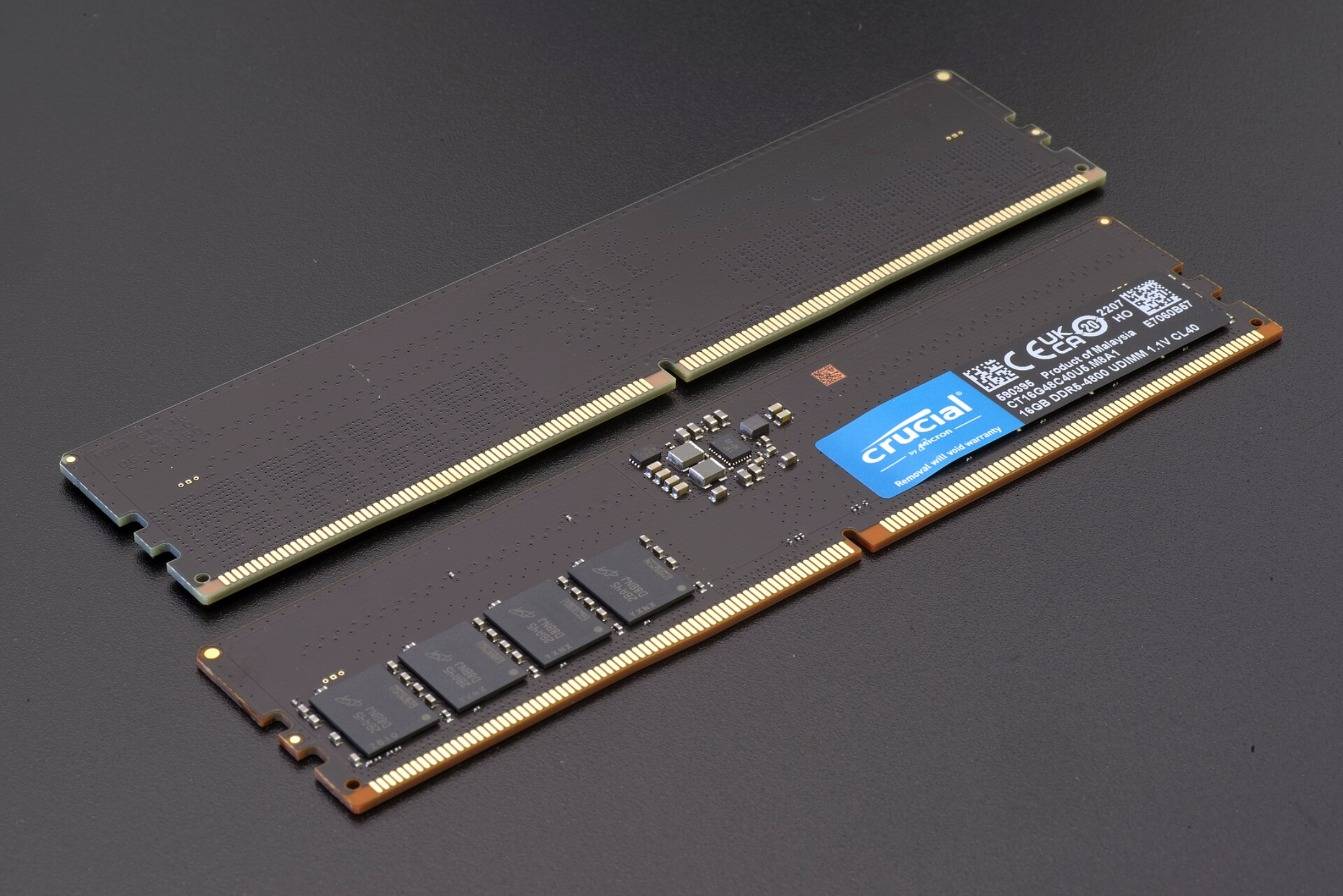

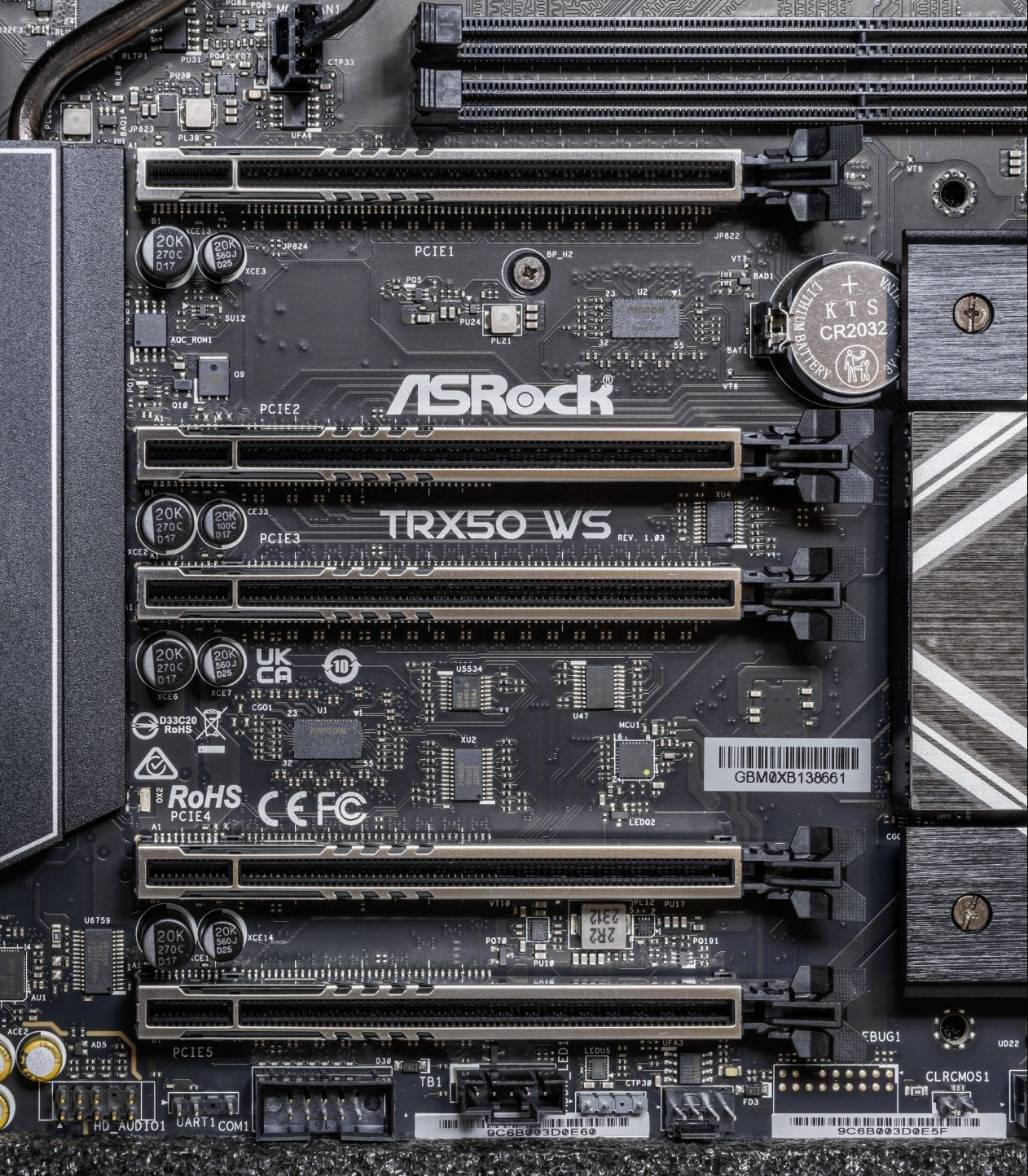

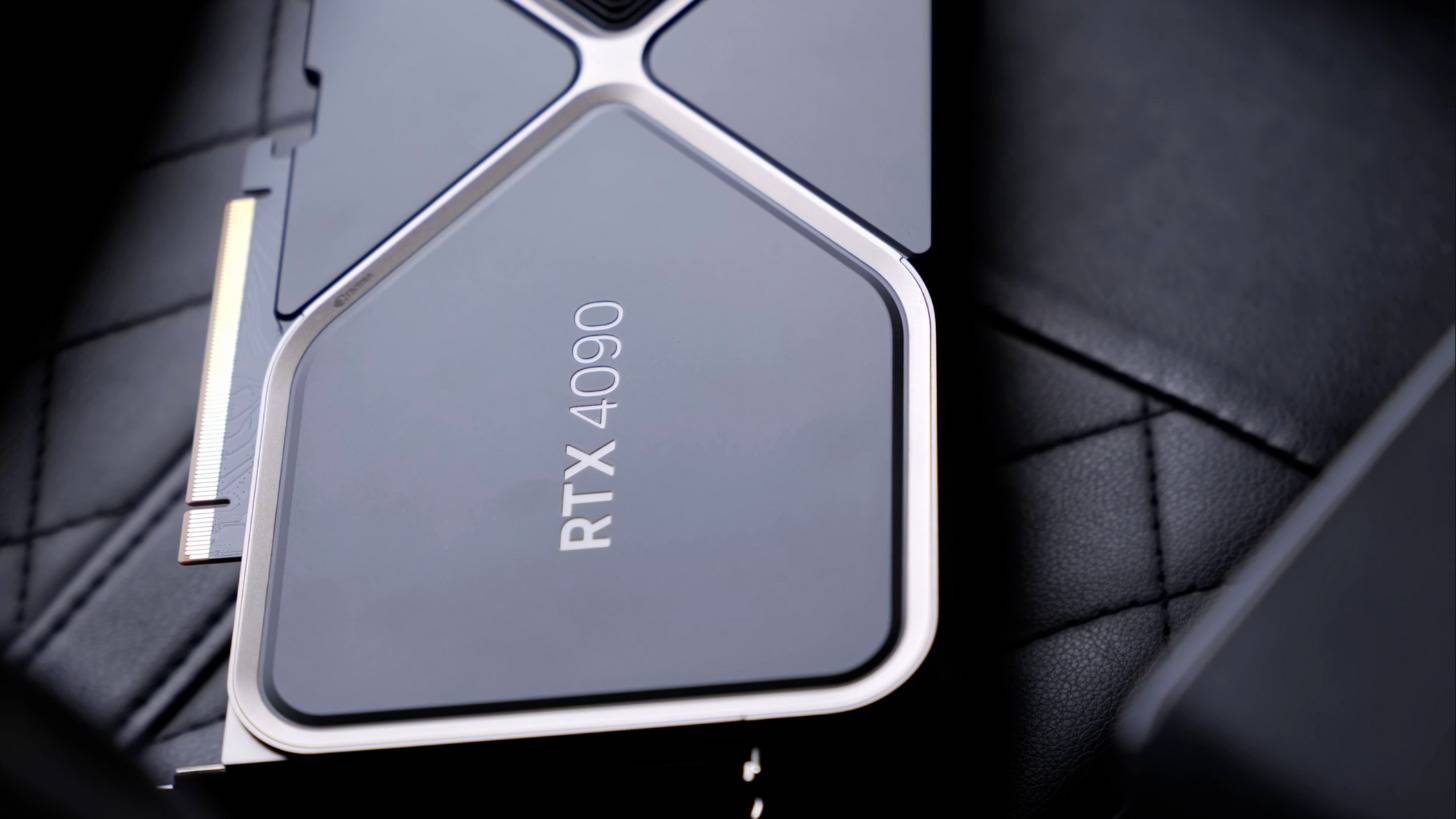
A GPU reads its own VRAM at 1 to 1.8 TB/s. It reads host RAM through PCIe at 0.03 to 0.06 TB/s. That gap, about 30 times, is the whole story.
The link: 31.5 GB/s for PCIe 4.0 x16, 63 GB/s for 5.0 x16.
PCI Express, WikipediaVRAM: 1,792 GB/s on a 5090, 1,008 GB/s on a 4090.
NVIDIA RTX 5090 product pageNow the napkin math. One expert in this model is three matrices of 2,560 by 640: 4.92 million parameters, 2.64 MiB at Q4_0. Each token picks 10 per layer, across 48 layers. If every one of them had to cross the bus:
480 experts x 2.64 MiB each = 1,266 MiB per token
1,266 MiB / 31.5 GB/s (PCIe 4.0 x16) = 42.1 ms per token
1,000 ms / 42.1 ms = 24 tok/s, at most
You can check it yourself. The script below needs nothing but Python:
layers       = 48
experts      = 512          # routed experts per layer
routed_per_t = 10           # experts used per token (plus 1 shared, always on the GPU)
hidden       = 2560
inter        = 640          # expert intermediate size
params_per_expert = 3 * hidden * inter          # gate, up, down projections
bytes_per_param_q4_0 = 18 / 32                  # Q4_0: 32 weights share a 2-byte scale -> 18 bytes per block
expert_bytes = params_per_expert * bytes_per_param_q4_0

experts_touched       = layers * routed_per_t
bytes_touched_per_tok = experts_touched * expert_bytes

pcie_gbs = {"PCIe 4.0 x16": 31.5, "PCIe 5.0 x16": 63.0}   # spec throughput; real copies land at ~70-85 % of this
for link, bw in pcie_gbs.items():
    ms = bytes_touched_per_tok / (bw * 1e9) * 1000
    print(f"  {link}: {ms:5.1f} ms per token  -> at most {1000/ms:4.0f} tok/s, and that is before any compute")
show output
one expert           :  4.92 M params  ->  2.64 MiB at Q4_0
all experts          : 24,576 experts     ->  63.3 GiB  (PR says 65.4 GiB, matches)
touched per token    : 480 experts        ->   1266 MiB per token

if EVERY routed expert had to cross PCIe (no cache, no CPU compute):
  PCIe 4.0 x16:  42.1 ms per token  -> at most   24 tok/s, and that is before any compute
  PCIe 5.0 x16:  21.1 ms per token  -> at most   47 tok/s, and that is before any compute

with the LRU expert cache (PR #29887 numbers):
  RTX 4090: cache 10.7 GiB = 16.9% of experts, hit rate 77% ->  291 MiB of misses per token, ~ 9.7 ms on PCIe 4.0
  RTX 5090: cache 18.6 GiB = 29.4% of experts, hit rate 89% ->  139 MiB of misses per token, ~ 4.6 ms on PCIe 4.0

the 10% rule of thumb: 10% of 65.4 GiB = 6.5 GiB, which is the --moe-cache-mib 6544 the author benchmarked
The arithmetic lands within about 3 percent of the PR's 65.4 GiB of experts, close enough for a napkin. The line that matters is 1,266 MiB per token. Over PCIe 4.0 that is 42 ms, a hard ceiling of about 24 tokens per second before the GPU multiplies a single number. Real copies reach only part of the spec speed, so the true ceiling is lower.
Researchers named this bottleneck years ago:
Fiddler (2024): moving expert weights over PCIe is where the latency goes, because the link is slower than memory.
Fiddler, arXiv 2402.07033Engineers found three ways around that ceiling. Two of them shipped in 2025. The third is the one that just got merged.
Three ways to run experts you cannot fit: stream, compute on CPU, or cache
You can move the weights to the math, move the math to the weights, or stop moving most of the weights at all.
Stream everything
every offloaded weight crosses PCIe, every step
16.6 tok/s SGLang --cpu-offload-gb
Compute on the CPU
only activations cross; the CPU does the expert math
194.4 tok/s llama.cpp --n-cpu-moe 3
Cache the hot experts
only the misses cross
205.6 tok/s SGLang paged experts, K = 92 of 128
| Approach | What crosses PCIe each token | Who computes the experts | Example | Decode, tok/s |
|---|---|---|---|---|
| Stream everything | every offloaded weight, every step | GPU | --cpu-offload-gb (SGLang) | 16.6 (FP8: 2.9) |
| Compute on the CPU | activations only | CPU, for the offloaded layers | --n-cpu-moe N, --cpu-moe (llama.cpp, Ollama) | 194.4 tuned (all on CPU: 50.6) |
| Cache the hot experts | only the misses | GPU | --moe-cache-mib (llama.cpp), paged experts (SGLang) | 205.6 (FP8: 87.7 vs 45.2) |
Streaming is the naive answer: copy every offloaded weight to the GPU on every forward pass, whatever the router picked. It works, and the table shows how slowly.
Computing on the CPU was the 2025 answer, and a good one. Keep the experts of some layers in RAM and let the CPU run them in place. Only small activation vectors cross the bus.
The 2025 answer: keep some expert layers on the CPU and compute them there. It works, and it is why a 16 GB Mac could run gpt-oss.
@ggerganov on X, Aug 29, 2025The same trick carried Qwen3.8-Flash-Next onto a single 4090 within days of its release:
A 4090 with 110 GB of DDR4: 22.5 tok/s with -ncmoe 40 using 23.85 GB of VRAM, 20.8 tok/s with every expert in RAM using 11.66 GB. Freeing 12 GB of VRAM barely changed the speed: the CPU is the limit.
Unsloth: the 125B runs from 75 GB of RAM.
@UnslothAI on X, Aug 26, 2026Why does the CPU path stall around 20 tokens a second? Because a CPU is a poor matrix machine. Even the EPYC 7742 in the PR's test host, with eight memory channels, reads its RAM at about 205 GB/s, a fifth of what a 4090 reads from VRAM, and it has far less arithmetic to throw at each expert. A desktop with two DDR5 channels has about 96 GB/s. Every expert computed on the CPU is a small matrix multiply the GPU would have finished in microseconds.
What if the experts a token needs are mostly the same ones the previous token needed? Then you do not need to move them at all.
How MoE expert offloading works with an LRU expert cache
MoE expert offloading keeps a model's expert weights in system RAM instead of GPU memory. Each token only activates a few experts per layer, so the GPU keeps a small cache of recently used experts in VRAM and uploads only the missing ones over PCIe. llama.cpp enables it with --moe-cache-mib.
It works because routing is not random. Neighbouring tokens tend to reuse experts, and some experts are simply popular. A 2023 paper saw this first:
December 2023: "some experts are reused between adjacent tokens", so an LRU cache cuts GPU-RAM traffic. Mixtral-8x7B ran at 2 to 3 tokens per second on a free Colab T4.
Eliseev and Mazur, arXiv 2312.17238The idea was published on a free Colab GPU. It took until October 2026 to land in the tool everyone uses. Meanwhile, people kept rediscovering the same locality in the wild:
A 510 GB model on a 128 GB box: 6 of 384 experts per token, and a job only needs some of them.
@0xBakeer on X, Sep 14, 2026

You can see why locality matters with a toy. The script replays a fake router (512 experts, 10 picks per token) through an LRU cache. "Stickiness" is the chance that a pick repeats one of the previous token's experts:
def route(E, k, prev, p_stick, rnd):
    picks = set()
    while len(picks) < k:
        if prev and rnd.random() < p_stick:
            picks.add(rnd.choice(prev))
        else:
            picks.add(min(E - 1, int(rnd.random() ** 1.8 * E)))   # popular experts have low ids
    return sorted(picks)

def lru_replay(trace, slots):
    cache, hits, misses = OrderedDict(), 0, 0
    for picks in trace:
        for e in picks:
            if e in cache:
                cache.move_to_end(e); hits += 1
            else:
                misses += 1
                if len(cache) >= slots:
                    cache.popitem(last=False)          # evict the least recently used
                cache[e] = True
    return hits, misses
show output
512 experts, top-10, 4000 tokens per trace (one layer)

stickiness 0.0  (0 = no locality, 0.7 = prose-like)
  cache   5% of experts ( 25 slots): LRU hit   6.6%,  9.34 uploads/token  |  LFU hit  17.2%,  8.28 uploads/token
  cache  10% of experts ( 51 slots): LRU hit  14.4%,  8.56 uploads/token  |  LFU hit  25.8%,  7.42 uploads/token
  cache  20% of experts (102 slots): LRU hit  27.1%,  7.29 uploads/token  |  LFU hit  38.0%,  6.20 uploads/token
  cache  40% of experts (204 slots): LRU hit  48.6%,  5.14 uploads/token  |  LFU hit  56.6%,  4.33 uploads/token

stickiness 0.4  (0 = no locality, 0.7 = prose-like)
  cache   5% of experts ( 25 slots): LRU hit  39.9%,  6.01 uploads/token  |  LFU hit  18.1%,  8.19 uploads/token
  cache  10% of experts ( 51 slots): LRU hit  44.7%,  5.53 uploads/token  |  LFU hit  27.2%,  7.28 uploads/token
  cache  20% of experts (102 slots): LRU hit  53.0%,  4.70 uploads/token  |  LFU hit  40.7%,  5.93 uploads/token
  cache  40% of experts (204 slots): LRU hit  67.0%,  3.30 uploads/token  |  LFU hit  60.7%,  3.93 uploads/token

stickiness 0.7  (0 = no locality, 0.7 = prose-like)
  cache   5% of experts ( 25 slots): LRU hit  63.8%,  3.62 uploads/token  |  LFU hit  18.8%,  8.12 uploads/token
  cache  10% of experts ( 51 slots): LRU hit  66.8%,  3.32 uploads/token  |  LFU hit  29.1%,  7.09 uploads/token
  cache  20% of experts (102 slots): LRU hit  71.5%,  2.85 uploads/token  |  LFU hit  44.3%,  5.57 uploads/token
  cache  40% of experts (204 slots): LRU hit  79.7%,  2.03 uploads/token  |  LFU hit  65.8%,  3.42 uploads/token

takeaway: the cache only pays off because routing has locality. With none (stickiness 0),
a 10% cache barely helps; with prose-like reuse it turns most lookups into hits.
In the toy, a cache holding 10 percent of the experts turns about two thirds of lookups into hits when routing is prose-like (67 percent), and barely helps with no locality at all (14 percent). It is a toy. Real traces are messier, as we will see.
Now the reveal. This is the whole mechanism in one picture:
What decides which slot gets evicted? Least recently used. Every hit moves its slot to the back of the line; every miss takes the slot at the front.
llama.cpp PR #29887 by am17an, a port of the qvac-fabric cache, merged by ggerganov on October 7, 2026. The description is four sentences; the benchmark is the table.
llama.cpp PR #29887 on GitHubHow often does it hit for you? That depends on how big the cache is and how sticky your workload is. Try it:
// interactive toy model
Hit-rate playground
Make the cache bigger, or the routing stickier, and watch how much stops crossing the bus.
- toy hit rate
- 67.2%
- misses per token
- 415 MiB
- time on the bus
- 13.8 ms
- ceiling from the bus alone
- 72 tok/s
A ceiling, not a prediction: it counts only the experts that miss and cross the link, for Qwen3.8-Flash-Next's 1,266 MiB of routed experts per token. The GPU's own math, attention and the CPU are extra. The hit rate comes from a toy router; real traces are messier.
Four sentences of description. 550 lines of C++. What do they actually do?
Inside llama.cpp PR #29887: slot maps, banks, and only the misses cross PCIe
The PR adds one new file, src/llama-moe-cache.cpp, of about 550 lines, and its public surface is six methods:
// keeps the most recently used experts of host-resident MoE layers in a device buffer
// each layer has a slot map in host memory: when the scheduler copies it to the device,
// the copy callback uploads the missing experts
class llama_moe_cache {
public:
    llama_moe_cache(const llama_model & model, ggml_backend_t backend, ggml_backend_buffer_type_t buft, size_t size);
    ~llama_moe_cache();

    ggml_backend_t backend() const;

    // the slot map of layer il, if its experts can be read from the cache for n_tokens tokens, nullptr otherwise
    ggml_tensor * get_slot_map(int32_t il, int64_t n_tokens, int64_t n_expert_used) const;

    // the experts of w in the cache, nullptr if w is not cached
    ggml_tensor * get_experts(const ggml_tensor * w) const;

    // ggml_backend_sched copy callback, returns false if src is not a slot map
    bool copy(ggml_backend_t backend, const ggml_tensor * src, ggml_tensor * dst, ggml_cgraph * graph);

    // for large batches: copy the experts of w that are in the cache, starting at expert e and up to expert last
    int64_t copy_experts(ggml_backend_t backend, const ggml_tensor * w, ggml_tensor * dst, int64_t e, int64_t last);

    std::map<ggml_backend_buffer_type_t, size_t> memory_breakdown() const;

private:
    struct impl;
    std::unique_ptr<impl> pimpl;
};
Three of them carry the idea. get_slot_map hands the graph a small table per layer: for each expert, which cache slot holds it. The expert matrix multiply then reads weights from the cache instead of from host memory. copy is the hook that fills the cache, and copy_experts serves large batches from whatever is already cached.
The LRU itself is a doubly linked list over slots, about 40 lines:
// LRU of the experts of a group of layers, the slot of each expert is kept in the slot map of its layer
struct moe_cache_lru {
    int32_t n_expert = 0;
    int32_t n_slots  = 0;

    std::vector<int32_t *> slot_map; // [n_layer] data of the slot maps, -1 if the expert is not cached
    std::vector<int32_t>   key_of;   // [n_slots] il*n_expert + expert, -1 if empty

    // doubly linked list of the slots, head is the least recently used
    std::vector<int32_t> prev;
    std::vector<int32_t> next;
    int32_t head = -1;
    int32_t tail = -1;

    // move slot s to the tail (most recently used)
    void touch(int32_t s) {
        if (s == tail) {
            return;
        }
        if (prev[s] >= 0) {
            next[prev[s]] = next[s];
        } else {
            head = next[s];
        }
        prev[next[s]] = prev[s];

        prev[s] = tail;
        next[s] = -1;
        next[tail] = s;
        tail = s;
    }

    struct fill {
        int32_t expert;
        int32_t slot;
    };

    // give a slot to each expert selected by ids in layer il, the misses evict the least recently used experts
    // returns false if the ids select more distinct experts than there are slots
    bool plan(int32_t il, const int32_t * ids, size_t n_ids, std::vector<fill> & fills, size_t & n_hit) {
        fills.clear();
        n_hit = 0;

        // ... dedupe the routed expert ids into `uniq` ...

        int32_t * slots = slot_map[il];

        // hits go to the tail first, so the head can be evicted below
        for (int32_t e : uniq) {
            if (slots[e] >= 0) {
                touch(slots[e]);
                n_hit++;
            }
        }
        // sorted misses usually get consecutive slots, so the uploads can be merged
        std::sort(uniq.begin(), uniq.end());
        for (int32_t e : uniq) {
            if (slots[e] >= 0) {
                continue;
            }
            const int32_t s = head;                       // victim = least recently used slot
            if (key_of[s] >= 0) {
                slot_map[key_of[s] / n_expert][key_of[s] % n_expert] = -1;   // evict it
            }
            key_of[s] = il*n_expert + e;
            slots[e] = s;
            touch(s);
            fills.push_back({ e, s });                    // this expert must be uploaded
        }
        return true;
    }
};
Two details make it work. touch() moves a slot to the tail in constant time. plan() touches all the hits first, so whatever sits at the head is guaranteed not to be needed by this token and is safe to evict. Then it sorts the misses, so consecutive experts tend to land in consecutive slots, and their uploads can merge into one copy.
The upload happens in the copy callback. When the scheduler copies a layer's slot map to the GPU, the callback uploads the missing experts along the way:
size_t n_hit = 0;
if (!g.lru.plan(il, ids.data(), ids.size(), fills, n_hit)) {
    GGML_ABORT("the MoE cache is too small for the experts selected in layer %d", il);
}

// upload the missing experts, consecutive experts going to consecutive slots are uploaded together
size_t bytes = 0;
for (size_t ip = 0; ip < l.experts.size(); ++ip) {
    const ggml_tensor * w    = l.experts[ip];
    ggml_tensor       * bank = g.banks[ip];
    const size_t expert_size = w->nb[2];
    for (size_t i = 0; i < fills.size();) {
        size_t n = 1;
        while (i + n < fills.size() && fills[i + n].expert == fills[i].expert + (int32_t) n
                                    && fills[i + n].slot   == fills[i].slot   + (int32_t) n) {
            n++;
        }
        ggml_backend_tensor_set_async(backend, bank,
            (const uint8_t *) w->data + fills[i].expert*expert_size,   // from host RAM
            fills[i].slot*expert_size,                                  // into the GPU bank
            n*expert_size);
        bytes += n*expert_size;
        i += n;
    }
}

stats & st = ids.size() <= (size_t) 8*n_expert_used ? stats_small : stats_large;
st.hits   += n_hit;
st.misses += fills.size();
st.bytes  += bytes;
The rules in the code
- Small batches only. The cache path is used for micro-batches of 32 tokens or fewer, which means decode. Prompt processing, which touches nearly every expert, takes the regular offload path.
- Banks. Layers with different expert layouts get separate banks, so one cache can serve a model whose layers are not all alike.
- One knob.
--moe-cache-mib N, or the environment variableLLAMA_ARG_MOE_CACHE_MIB. Default 0, off. - One log line. At exit,
llama_moe_cache:prints hits, misses, the hit rate and the MiB uploaded.
And the results, on the same model and host:
| GPU | Config | Experts in VRAM (layers + cache) | tok/s | Speed-up | Hit rate |
|---|---|---|---|---|---|
| RTX 4090 | master --fit | 16.5 + 0.0 GB | 25.0 | 1.00x | - |
| RTX 4090 | --fit --moe-cache-mib 6544 | 10.4 + 6.4 GB | 39.4 | 1.57x | 72% |
| RTX 4090 | -cmoe --moe-cache-mib 11000 | 0.0 + 10.7 GB | 40.7 | 1.62x | 77% |
| RTX 5090 | master --fit | 24.5 + 0.0 GB | 30.8 | 1.00x | - |
| RTX 5090 | --fit --moe-cache-mib 6544 | 17.9 + 6.4 GB | 54.5 | 1.77x | 77% |
| RTX 5090 | -cmoe --moe-cache-mib 19000 | 0.0 + 18.6 GB | 67.8 | 2.20x | 89% |
Look at the third 4090 row: zero whole expert layers on the GPU, a 10.7 GB cache instead, and it is the fastest. A cache beats static placement because it adapts to the prompt: whole layers on the GPU help only the tokens that need those layers' experts, while a cache holds whatever the current text is actually using.
QVAC, the team whose fork the cache came from.
@qvac on X, Oct 15, 2026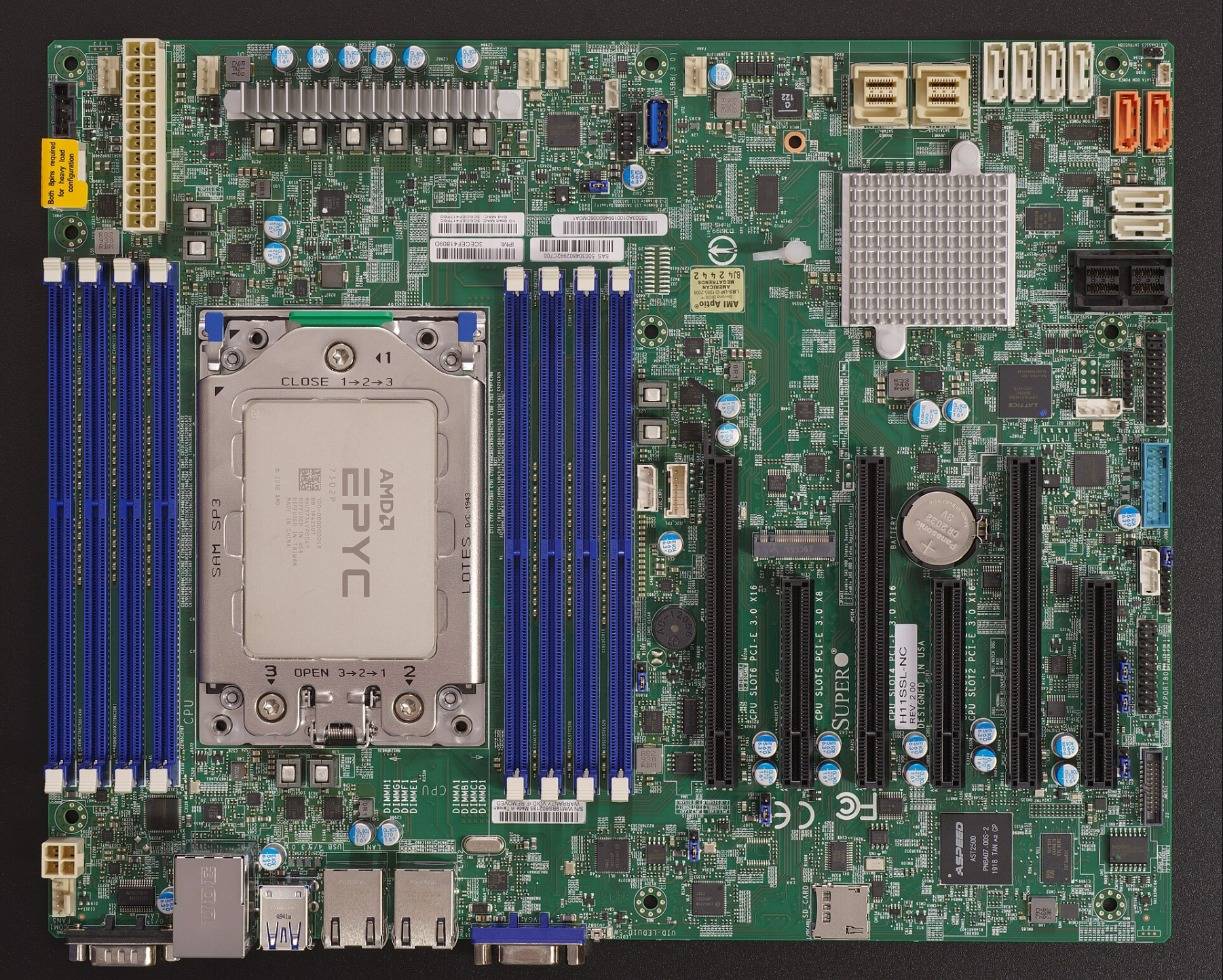

How do the real hit rates compare with the toy? The 4090 cache held 16.9 percent of the experts and hit 77 percent; the 5090's held 29.4 percent and hit 89 percent. Both sit above even the stickiest toy line:
show as a table
| cache size | toy hit rate, no locality (0) | toy hit rate, some locality (0.4) | toy hit rate, prose-like (0.7) |
|---|---|---|---|
| 5% | 6.6% | 39.9% | 63.8% |
| 10% | 14.4% | 44.7% | 66.8% |
| 20% | 27.1% | 53% | 71.5% |
| 40% | 48.6% | 67% | 79.7% |
Measured (PR #29887): RTX 4090, cache 16.9% of experts, 77% hits; RTX 5090, cache 29.4%, 89% hits.
llama.cpp was not the only project to merge this in October.
SGLang paged experts: the same idea, with a K-slot table
Twelve days after llama.cpp, SGLang merged its own version.
SGLang PR #42557 by N3mezis, merged on October 19, 2026: "It is the HiCache idea applied to expert weights: the GPU holds the working set, host RAM the rest."
SGLang PR #42557 on GitHubSame idea, different plumbing:
| aspect | llama.cpp PR #29887 | SGLang PR #42557 |
|---|---|---|
| Cache | LRU banks, one per group of layers with the same expert layout | K resident experts per layer, all experts in pinned host memory |
| When | micro-batches of 32 tokens or fewer | every step; an on-device LRU kernel decides, so CUDA graphs still capture decode |
| Size knob | in MiB: --moe-cache-mib | in experts: --paged-experts-num-resident |
| Too many picks | aborts if a layer selects more experts than slots | pages in waves of at most K experts |
The SGLang PR says the quiet part out loud: "It is a memory knob as much as a speed feature. K trades directly against the KV cache." Every resident expert takes VRAM that context could have used. Slide K and watch the trade:
// interactive estimate
K against the KV cache
Qwen3-30B-A3B at int4 on a 16 GB card: about 15 GB of experts, 128 per layer.
- resident experts
- 10.8 GB
- left for KV cache and the rest
- 5.2 GB
More K: fewer misses, faster decode. Less K: more room for context. The PR measured 205.6 tok/s at K = 92 with 14.7 GB peak VRAM.
The PR's own honest list of where paging helps and where it does not.
SGLang PR #42557 on GitHubThat list is unusually candid. Paging wins when the link is fast and many experts live in RAM: FP8 on a 16 GB card over PCIe 5.0 decodes at 87.7 tok/s against 45.2 for tuned llama.cpp. It ties when most of the model fits or the link is slow: on an 8 GB laptop over PCIe 4.0 x8, 32.6 against 32.4. It loses on short-prompt time to first token, because a prefill touches nearly every expert and pages in the non-resident ones once, about 4 GB or about 80 ms over PCIe 5. And with four concurrent requests and a small K on the laptop it falls behind, 11 to 12 tok/s against 41.
| Config | Decode, tok/s |
|---|---|
| SGLang paged experts, K = 40 of 128 | 87.7 |
llama.cpp --n-cpu-moe 27 | 45.2 |
llama.cpp --cpu-moe | 28.1 |
SGLang --cpu-offload-gb | 2.9 |
The full FP8 table, with latency columns.
SGLang PR #42557 on GitHubBoth projects picked LRU. The people running these caches at home are not sure that was right.
Is LRU the right policy for an expert cache?
pashko-k runs a fork with frequency-based admission and eviction: "simple LRU performs very poorly". About 60 percent hits with a 7 to 8 GB cache across a 4070 and a 3070.
llama.cpp PR #29887, comment by pashko-k05yuki, from KTransformers, replayed real DeepSeek-V4.1-Flash routing traces through LRU and a decayed-count LFU.
SGLang PR #42557, comment by 05yukiThat second comment is the sharpest data point anyone has published on this:
hit rate, Japanese prose
experts replaced per token and layer (host-to-GPU traffic)
Same hits. About 28x the bytes over the bus. On mixed workloads LRU hit more, 0.57 vs 0.51, at about 33x the traffic.
Here is the tension in plain words. LRU reacts instantly: when the topic shifts, the new experts are in the cache one token later. But it churns, evicting experts that will be back soon, and every churn is bytes on the bus. A frequency-based policy remembers which experts are popular over hundreds of tokens, so it moves far fewer bytes, but it adapts slowly when the text changes. On prose both hit about 72 percent; on mixed work LRU hits more, at 33 times the traffic. And how much any cache helps depends on the text: a layer's 21 most-used experts cover 71 to 75 percent of prose routes, but only 48 percent of code's.
The PR authors chose LRU because it is simple and easy to review, and left room for more policies later. The KTransformers team points at where this may head next, "hot lend": letting expert slots borrow the KV pool's free pages, so K stops trading against context at all.
The cache is the easy part. Deciding what to keep is the research.
Why does any of this matter this month? Because almost every model released last week is a MoE.
Why this matters now: the week every new open model was a MoE
The week of October 13 to 17: count the A-numbers.
@DogukanUrker on X, Oct 17, 2026- Nemotron 3.5 Bolt 74B-A9B 74B total / 9B active 12.2% of the weights work on each token Oct 15, native 2-bit, 24 GB
- LFM2.5-24B-A2B 24B total / 2.45B active 10.2% of the weights work on each token Oct 13, 14.5 GB at Q4
- Muse Spark Open 816B total / 42B active 5.1% of the weights work on each token Oct 15, 1.5 TB at BF16
- Qwen3.8-Flash-Next 125B total / 6B active 4.8% of the weights work on each token Aug 26, 93.7 GiB at Q4_0 (this post)
Three of those releases show the range.
Nemotron 3.5 Bolt 74B-A9B: experts squeezed, then pushed out
NVIDIA shipped its experts in native 2-bit so the whole 74B model fits 24 GB. Within a day, the community pushed the experts to RAM and ran it on a 12 GB card.
The official pitch: 74B with 9B active, in 24 GB.
@NVIDIARTXSpark on X, Oct 15, 2026A 12 GB RTX 3060 with 16 GB of RAM: about 24 tok/s at 262K context, with --n-cpu-moe 66.
One command away in Ollama.
@ollama on X, Oct 16, 2026LFM2.5-24B-A2B: small-active is the new default shape
Liquid AI's model has 24B parameters with 2.45B active, 64 experts and 4 used per token. At Q4 it is a 14.5 GB file, so it fits a 16 GB card whole. Small-active MoE is becoming the default shape for local agents: big enough to know things, cheap enough per token to be fast.
24B total, about 2B active, 131K context.
@liquidai on X, Oct 13, 2026351.5 tok/s on a 5090, 162.0 on a 16 GB 5060 Ti.
@niklaslenz_ai on X, Oct 14, 2026Muse Spark Open 816B-A42B: where offload is the only way in
Meta's model has 816B parameters, 42B active, 256 experts with 8 used per token, and a 1M-token context. At BF16 it is about 1.5 TB. Meta's own "runs at home" recipe is two M5 Ultra Mac Studios with MLX, and llama.cpp runs a 2-bit build of about 304 GB on one 512 GB M3 Ultra at 18 tok/s. Expert offload is how a model like this ever touches a PC.
816B total, 42B active.
@AIatMeta on X, Oct 15, 2026The home recipe: two Mac Studios.
@AIatMeta on X, Oct 15, 2026Scored 39 on the Artificial Analysis index, first among US open-weights models.
@ArtificialAnlys on X, Oct 15, 2026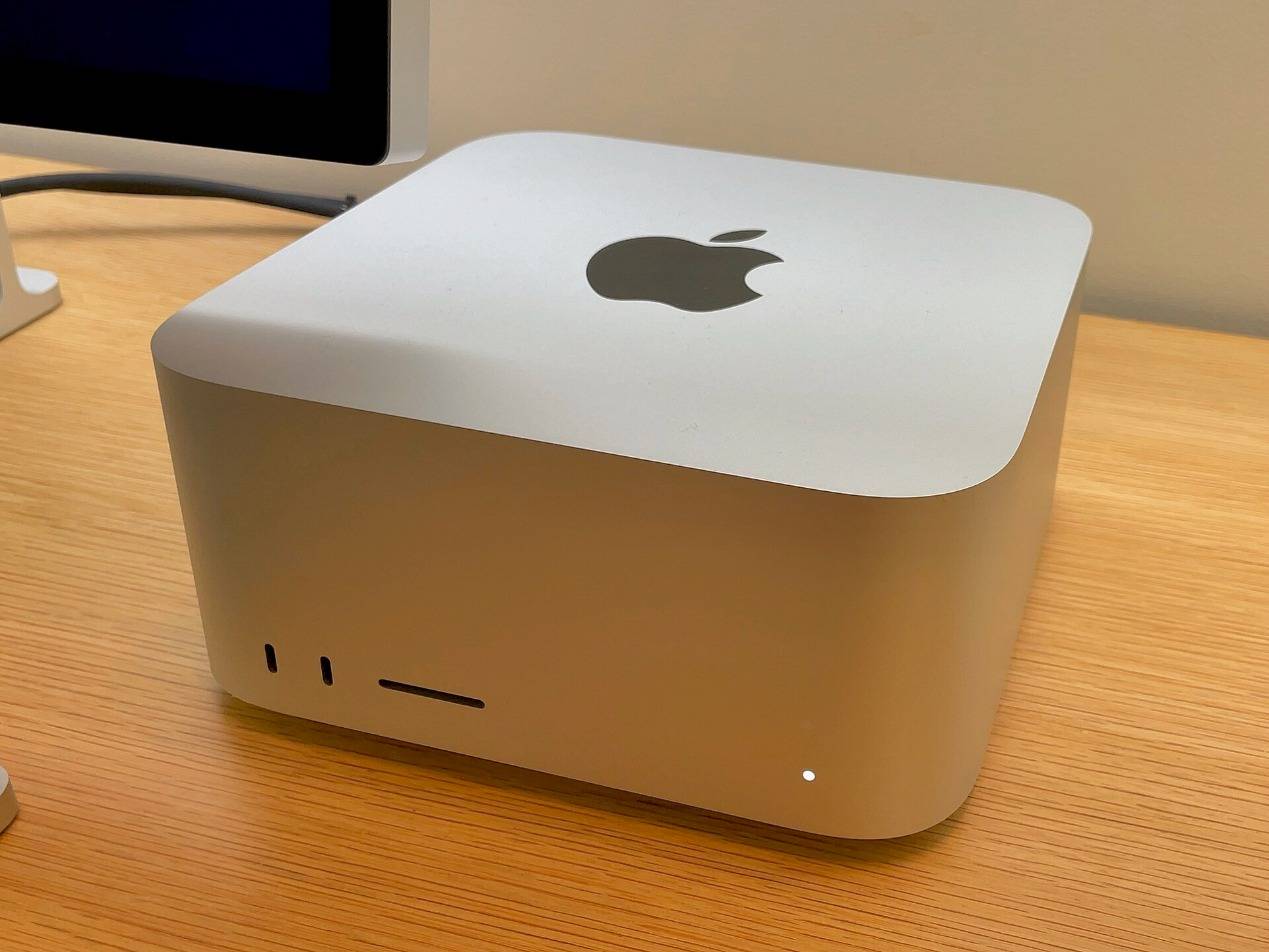

Dense models made VRAM the budget. Sparse models make VRAM the cache.
Try it tonight: the flags, the numbers to expect, the log line to read
# How to run a 94 GB MoE on a 24 GB GPU with llama.cpp (any build after PR #29887, merged 2026-10-07)

# 0. The old way (2025): keep N expert layers on the CPU and compute them there.
#    This is what --n-cpu-moe / -cmoe do. It works, but decode is CPU-bound.
llama-server -m Qwen3.8-Flash-Next-Q4_0.gguf -fa on -c 32768 -ngl 99 --n-cpu-moe 40

# 1. Baseline the PR measured: let llama.cpp fit what it can (--fit is the default)
#    -> RTX 4090: 25.0 tok/s, RTX 5090: 30.8 tok/s
llama-server -m Qwen3.8-Flash-Next-Q4_0.gguf -fa on -c 32768 -b 2048 -ub 2048 -t 16

# 2. Add the GPU expert cache. ~10% of the expert bytes is the sweet spot (65.4 GiB -> 6544 MiB)
#    -> RTX 4090: 39.4 tok/s (1.57x, 72% hits), RTX 5090: 54.5 tok/s (1.77x, 77% hits)
llama-server -m Qwen3.8-Flash-Next-Q4_0.gguf -fa on -c 32768 -b 2048 -ub 2048 -t 16 \
  --fit --moe-cache-mib 6544

# 3. Or push ALL experts to RAM (-cmoe) and give the freed VRAM to the cache
#    -> RTX 4090: 40.7 tok/s (1.62x, 77% hits) with 11000 MiB; RTX 5090: 67.8 tok/s (2.20x, 89% hits) with 19000 MiB
llama-server -m Qwen3.8-Flash-Next-Q4_0.gguf -fa on -c 32768 -b 2048 -ub 2048 -t 16 \
  -cmoe --moe-cache-mib 11000

# The env var form, if you prefer:  LLAMA_ARG_MOE_CACHE_MIB=11000
# Watch the log at exit:  llama_moe_cache: ubatch <= 8: hits = ..., misses = ..., hit rate = 77.3%, uploaded = ... MiB

# 4. Same idea in SGLang (PR #42557, merged 2026-10-19): experts paged between pinned host RAM and a K-slot GPU table
python -m sglang.launch_server --model Qwen/Qwen3-30B-A3B-GPTQ-Int4 \
  --enable-paged-experts --paged-experts-num-resident 92

# 5. A 74B MoE on a 12 GB RTX 3060 (config shared by @DogukanUrker, Oct 15 2026): experts in RAM, attention on the GPU
llama-server -m NVIDIA-Nemotron-3.5-Bolt-74B-A9B-24GB.gguf -ngl 99 --n-cpu-moe 66 -c 262144 -fa on --jinja \
  --cache-type-k q8_0 --cache-type-v q8_0 -b 2048 -ub 1024
Walk it top to bottom. Step 1 is the baseline: --fit puts as many whole expert layers on the GPU as fit, 25.0 tok/s on a 4090. Step 2 adds a cache of 6,544 MiB, 10 percent of the 65.4 GiB of experts, and --fit makes room for it by keeping fewer whole layers: 39.4 tok/s. Step 3 moves every expert to RAM with -cmoe and gives the VRAM that frees to a bigger cache: 40.7 tok/s. When you quit, read the llama_moe_cache: line. Its hit rate tells you whether a bigger cache would pay. If you would rather serve with SGLang, the flags are --enable-paged-experts and --paged-experts-num-resident. And with only 12 GB, the Bolt config at the bottom is a working recipe from the community.
Not sure your machine can hold a model at all? This is the usual arithmetic, plus a split between experts and the rest:
// interactive estimate
Will it run?
Pick a model, a quantization, a GPU and your RAM. Get a verdict and a cache size to try.
This calculator needs JavaScript.
- all weights
- -
- experts (to RAM)
- -
- always on the GPU, at most
- -
- --moe-cache-mib to try
- -
- bus ceiling, no cache
- -
- bus ceiling at 77% hits
- -
Rough by design: weights are parameters x bits / 8, experts are at least total minus active, and 10% of VRAM plus 8 GB of RAM are left for the KV cache, the OS and everything else. The bus ceilings count only routed experts crossing PCIe, nothing else.

Honest limits of expert offloading
The whole story on one page: MoE offload in four words
Experts, locality, cache, bus. A MoE is big because it stores many experts, fast because it uses few, and runnable on your GPU because the few it uses next are usually the few it used last. Keep the experts in RAM. Keep the recently used ones in VRAM. Let only the misses cross the bus.
| Model | Total / active | Experts (per layer, used) | Size | Fits a 24 GB GPU? | How to run it at home |
|---|---|---|---|---|---|
| LFM2.5-24B-A2B | 24B / 2.45B | 64, top-4 | 14.5 GB at Q4 | Yes, even 16 GB | plain llama-server |
| Nemotron 3.5 Bolt 74B-A9B | 74B / 9B | native 2-bit experts | 24 GB | Yes; 12 GB with --n-cpu-moe 66 | llama.cpp, Ollama |
| Qwen3-30B-A3B | 30B / 3B | 128, top-8 | ~15 GB of experts at int4 | Yes; 16 GB with paging | SGLang paged experts, llama.cpp |
| Qwen3.8-Flash-Next | 125B / 6B | 512, 10 + 1 | 93.7 GiB at Q4_0 | No; 24 GB + 65.4 GiB of RAM with --moe-cache-mib | 40.7 tok/s (4090), 67.8 (5090) |
| Muse Spark Open | 816B / 42B | 256, top-8 | 1.5 TB BF16, ~304 GB at 2-bit | No; two Mac Studios or a GPU node | MLX, llama.cpp on a 512 GB Mac |
What is the biggest MoE you run at home, and what hit rate does llama_moe_cache: print for you?
Frequently asked questions
Can I run a 100B+ MoE model on a 24 GB GPU?
Yes, if the experts fit in system RAM. Qwen3.8-Flash-Next at Q4_0 (a 93.7 GiB file) runs on an RTX 4090 at about 40 tok/s with llama.cpp's --moe-cache-mib, with its 65.4 GiB of experts in host RAM.
What does --moe-cache-mib do in llama.cpp?
It reserves N MiB of VRAM as an LRU cache for experts that live in host RAM. Routed experts already in the cache are used directly; only the missing ones are uploaded over PCIe. The PR author found about 10% of the total expert size to be a good start.
What is the difference between --n-cpu-moe and --moe-cache-mib?
--n-cpu-moe N keeps the experts of N layers in RAM and computes them on the CPU. --moe-cache-mib keeps experts in RAM but computes them on the GPU, caching the recently used ones in VRAM. They can be combined.
How much RAM do I need for expert offloading?
Roughly the size of the expert weights at your quantization, plus headroom: about 65 GiB for Qwen3.8-Flash-Next at Q4_0, about 15 GB for Qwen3-30B-A3B at int4.
Why does an LRU cache of experts work?
Because routing has temporal locality: adjacent tokens tend to reuse experts, and a few experts are popular. Measured hit rates in llama.cpp PR #29887 were 72% to 89%.
Does expert offloading change the model's output?
No. The same weights are used; only where the bytes live changes. SGLang's PR reports bit-identical logprobs for bf16 and FP8.
Is PCIe 5.0 worth it for this?
It doubles link bandwidth (about 63 vs 31.5 GB/s per direction at x16), which halves the cost of every miss. The SGLang benchmarks show the biggest wins on a PCIe 5.0 x16 desktop and a tie on a PCIe 4.0 x8 laptop.
Sources
- llama.cpp PR #29887, "llama : add a GPU cache for MoE experts kept in host memory": GitHub
- SGLang PR #42557, "[Feat] paged-experts: Serve MoE models whose weights do not fit VRAM": GitHub
- Qwen3.8-Flash-Next: model card
- Eliseev and Mazur, Fast Inference of Mixture-of-Experts Language Models with Offloading: arXiv 2312.17238
- Fiddler, CPU-GPU Orchestration for Fast Inference of Mixture-of-Experts Models: arXiv 2402.07033
- Shazeer et al., Outrageously Large Neural Networks: arXiv 1701.06538
- Fedus et al., Switch Transformers: arXiv 2101.03961
- PCI Express link performance: Wikipedia
- NVIDIA GeForce RTX 5090: product page
- Nemotron 3.5 Bolt 74B-A9B: model card
- Muse Spark Open: Hugging Face blog
- LFM2.5: Liquid AI